

Business process automation software in Singapore includes finance automation tools, workflow platforms, and enterprise solutions that automate repetitive tasks, integrate systems, and improve operational efficiency. The right choice depends on business needs, process complexity, and scalability requirements.
However, scaling automation requires more than software adoption. Businesses must also consider integration, governance, and implementation complexity. This guide compares leading business process automation software in Singapore to help businesses evaluate solutions and make informed decisions.
Key takeaways
- Match solutions to business needs: Kyanon Digital helps enterprises connect automation tools with existing systems, while solutions such as Xero, Power Automate, and UiPath address different workflow needs.
- Assess process readiness: Standardize workflows and validate data quality before automating to reduce errors and rework.
- Prioritize integration and governance: Check system compatibility, access controls, audit trails, and data protection requirements.
- Compare total cost of ownership: Factor in licensing, implementation, integration, maintenance, and eligible Singapore government grants.
- Plan for scalable implementation: Use no-code tools for simple workflows and consider implementation partners for complex enterprise automation.
- Kyanon Digital’s perspective: Sustainable automation requires more than software selection; it depends on integrating AI and automation with existing systems to deliver measurable business outcomes.
Further Reading
- Trends in Business Process Automation 2026
- Agentic Workflow Development for Enterprise Software
- LLM Integration Services for Enterprise Systems 2026
How we evaluated these business process automation solutions
To provide Singapore-based enterprises with a practical benchmark, Kyanon Digital’s evaluation framework assesses business process automation solutions against six key criteria. The framework considers whether a process is ready for automation, how easily a solution can be implemented and integrated, and whether it can deliver measurable business value. It also accounts for software costs, available grants, and long-term scalability to help businesses evaluate solutions based on both immediate needs and future growth.
Business process automation software evaluation criteria
Evaluation criterion | What we assess | Why it matters | Operational and cost implications |
| Category fit | Check whether the solution supports the required processes, such as finance, workflow management, or supply chain operations. | Ensures the solution matches business needs without unnecessary customization. | Poor fit can increase implementation costs and delay deployment. |
SG grant eligibility | Verify eligibility for relevant Singapore government grants through official channels. | Helps businesses understand potential funding support. | Eligible grants may reduce upfront costs, but approval and funding timelines should be considered. |
| Process readiness | Check whether workflows follow consistent rules, use reliable data, and have manageable exception rates. | Identifies processes that are suitable for automation before implementation begins. | Automating inconsistent processes can increase rework, errors, and maintenance costs. |
Integration depth | Assess compatibility with existing systems, such as accounting software, CRM platforms, and ERP systems. | Enables consistent data exchange and reduces disconnected workflows. | Limited integration can lead to manual reconciliation, data gaps, and additional costs. |
| Business impact and scalability | Evaluate expected improvements in cycle time, transaction costs, error rates, and the ability to handle growing workloads. | Connects automation decisions to measurable business outcomes and future needs. | Helps estimate ROI and avoid performance bottlenecks or premature system replacement. |
Implementation and support | Assess process standardization, training needs, change management, vendor support, and ongoing maintenance. | Determines how feasible the solution is to deploy and adopt across teams. | Weak implementation support can slow adoption and increase long-term operating costs. |
For operations and technology executives, this framework highlights why business process automation solutions should be evaluated against both business needs and the existing technology environment. IMDA reported that more than 7,200 Singapore businesses adopted AI-enabled, integrated, and cloud-based solutions within a single year, reflecting growing adoption of connected digital solutions.

Quick comparison: Business process automation tools in Singapore at a glance
The following comparative matrix outlines the operational capabilities, deployment suitability, and financial structures of leading automation platforms in Singapore.
These tools are not direct substitutes. They represent different automation categories, ranging from departmental finance software and no-code connectors to enterprise RPA and ERP-embedded automation.
Comparison of business process automation tools in Singapore
Tool | Category | Best for | PSG eligible | Pricing model |
| Peakflo | Finance & Accounting | AP/AR automation with AI voice agents | Yes | Custom pricing |
Xero | Finance & Accounting | Small teams, <100 invoices/month | Varies | Subscription: From US$39/month |
| Microsoft Power Automate | General Workflow No-code | Businesses already on M365 ecosystem | Varies | Subscription: From US$15/user/month; enterprise process plans cost more |
Zapier & Make | General Workflow No-code | Bridging disjointed apps without dev resources | Varies | Subscription (usage-based): From US$10–20/month |
| UiPath | Enterprise Supply Chain | Leading RPA/BPM, legacy system integration | Varies | Enterprise licensing: From US$25/month; enterprise plans require custom quote |
Gleematic A.I. | Enterprise Supply Chain | SG-based cognitive automation | Yes (SG-based) | Custom quote: Enterprise subscription/licensing |
| Infor CloudSuite | Enterprise Supply Chain | ERP for manufacturing/logistics | Varies | Custom quote: Enterprise SaaS subscription |
Sage X3 | Enterprise Supply Chain | ERP for manufacturing and distribution | Varies | Custom quote: Enterprise licensing/subscription |
Source: Peakflo; Xero; Microsoft Power Automate; Zapier; Make; UiPath
Disclaimer: Pricing and PSG status were reviewed in July 2026. Prices may vary by region, billing term, usage, modules, implementation scope, and approved vendor package. Businesses should verify the current GoBusiness PSG Solutions Directory and vendor pricing before procurement.
The structural variance between lightweight, self-serve integrations and heavy enterprise infrastructure dictates the ultimate trajectory of a digital transformation initiative. Organizations that select usage-based, non-grant-eligible tools for complex, legacy ERP integrations risk critical data-sync failures and high technical overhead. Conversely, over-purchasing enterprise-grade RPA platforms for simple, cross-functional SaaS workflows creates unnecessary operational costs. Choosing the correct platform tier is essential to match architectural capacity with business demand, ensuring the project begins delivering returns within months rather than years.
Top business process automation solutions in Singapore, by category
Category 1: Finance and accounting
Finance is one of the strongest candidates for automation because many accounting processes are structured, repetitive, and governed by well-defined business rules.
Finance automation is entering a new phase as organizations move beyond rule-based workflows toward AI-powered operations. Gartner’s 2025 survey found that 59% of finance functions were already using AI, while by 2026, 84% of finance organizations had implemented or planned AI initiatives. The priority is shifting toward intelligent process automation, including accounts payable automation, anomaly detection, and AI-assisted decision workflows.
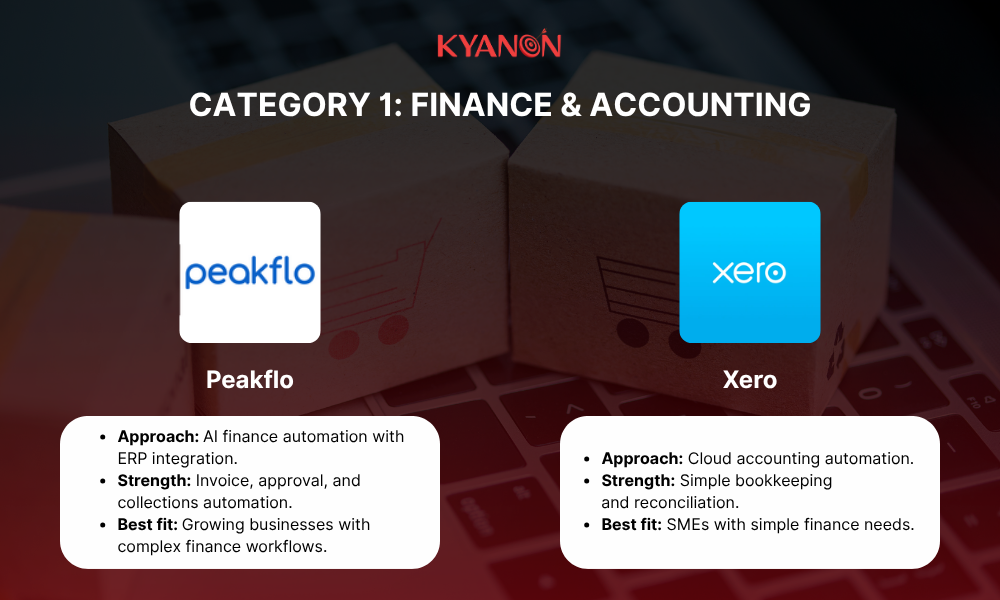
The following platforms represent two common approaches to finance automation.
Peakflo
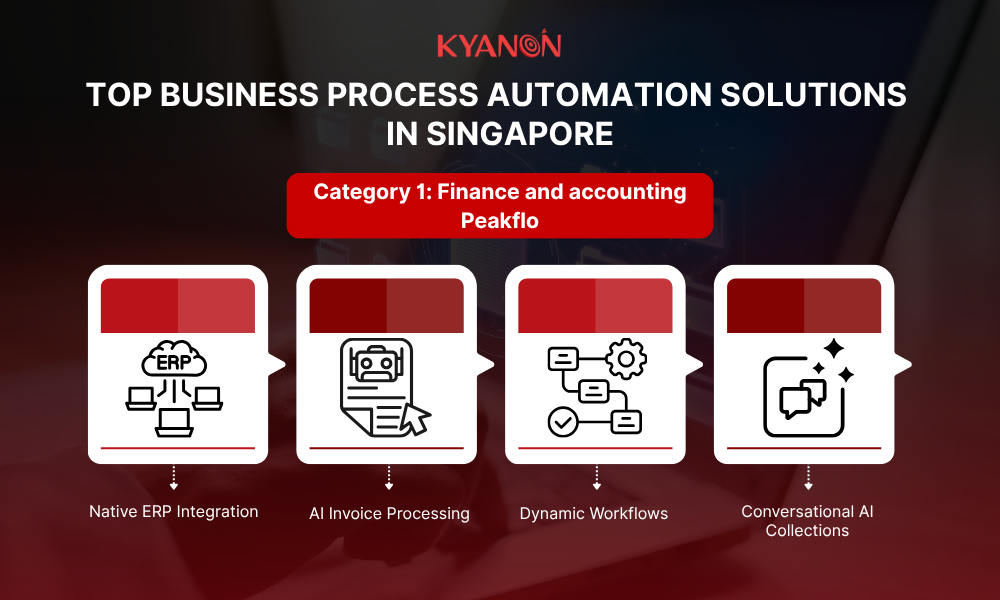
Peakflo is designed to automate both accounts payable (AP) and accounts receivable (AR) through a unified finance platform. Rather than replacing existing accounting software, it integrates with ERP and accounting systems via native APIs, enabling automation while preserving existing financial infrastructure.
Key capabilities include:
- Native ERP & accounting integrations: Connects with existing financial systems, supporting McKinsey’s recommendation for phased, low-risk integration over full ERP replacement. Gartner estimates up to 70% of legacy ERP replacement projects fail to meet their objectives.
- AI-powered invoice processing: Utilizes advanced OCR and machine learning to automatically extract data, match invoices with purchase orders, and flag discrepancies.
- Dynamic approval workflows: Automates invoice routing based on business rules, reducing approval delays and processing costs while improving scalability.
- Conversational AI collections: McKinsey found AI-enabled collections can reduce the cost to collect by 30–60%.
Xero
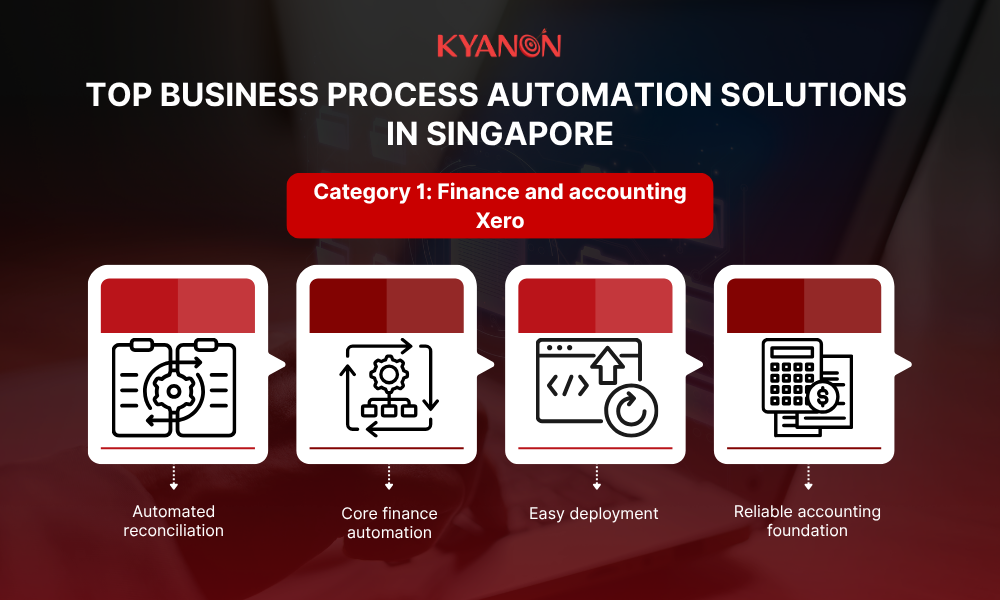
Xero is a cloud-based accounting platform suited for micro-businesses and SMEs with simpler finance operations. It automates invoicing, payroll, tax compliance, and bookkeeping without requiring complex setup.
Key capabilities include:
- Automated reconciliation: Connects with Singapore banks to import transaction feeds and match records using historical patterns.
- Core finance automation: Simplifies invoicing, expense tracking, payroll, and GST workflows.
- Easy deployment: Requires minimal technical resources, making it suitable for early-stage businesses.
- Reliable accounting foundation: While lacking advanced approval routing and AI collections, Xero provides practical automation for smaller finance teams.
Category 2: General workflow and no-code platforms
General workflow and no-code platforms address these cross-functional use cases by enabling business users to automate processes across cloud applications with minimal coding. As organizations continue adopting SaaS applications across finance, HR, marketing, sales, and operations, these platforms help reduce manual work while improving process consistency.
The following platforms represent two of the most widely adopted approaches to no-code workflow automation.
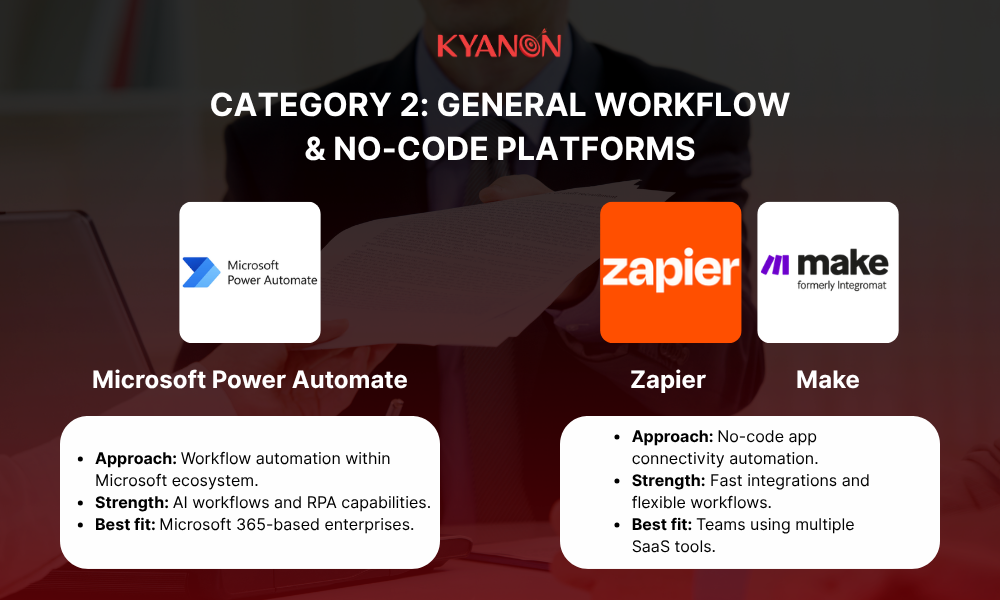
Microsoft Power Automate
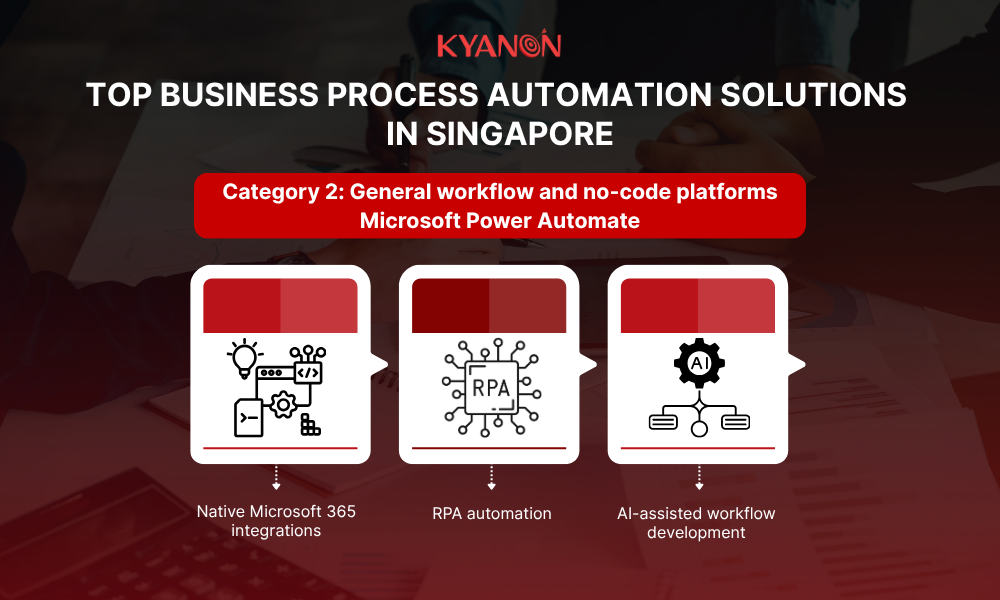
Microsoft Power Automate is a workflow automation platform designed for organizations using the Microsoft 365 ecosystem. It enables teams to automate routine processes across documents, communications, and business applications with minimal coding.
Key capabilities include:
- Native Microsoft 365 integrations: Connects with Teams, SharePoint, Outlook, and Excel to automate document routing, file management, and communication workflows.
- RPA automation: Power Automate Desktop enables automation of repetitive tasks in legacy systems without modern APIs.
- AI-assisted workflow development: Generative AI copilots help teams create and optimize automation flows using natural language, accelerating deployment.
Zapier and Make
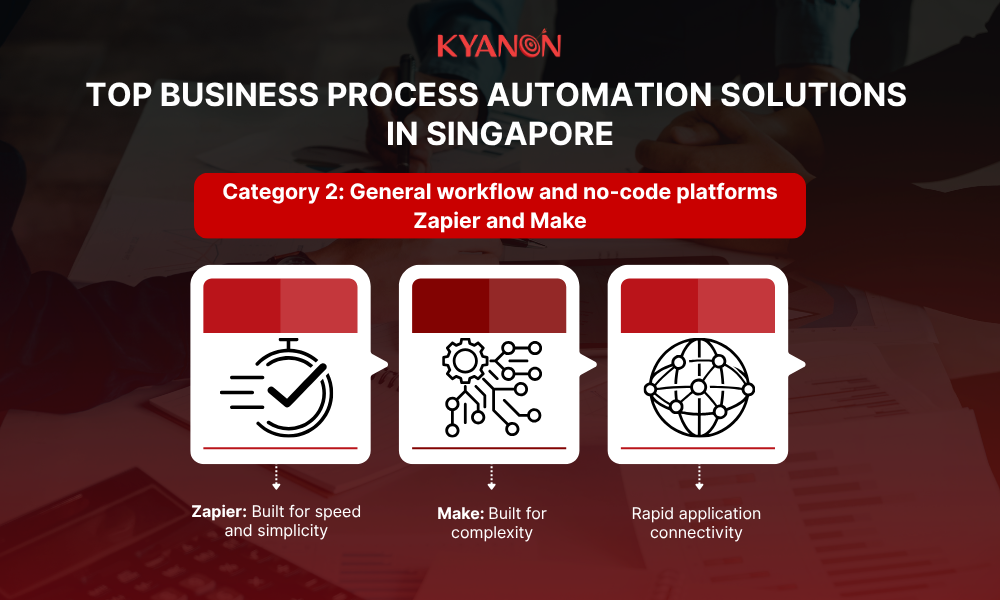
Zapier and Make are visual automation platforms that help non-technical teams connect cloud applications through drag-and-drop workflows.
Key capabilities include:
- Zapier: Best suited for simple, linear automations with a large library of pre-built app integrations for syncing data and triggering notifications.
- Make: Supports more complex workflows with multi-step logic, advanced data transformations, execution logs, and error handling.
- Rapid application connectivity: Helps businesses bridge software gaps quickly, though governance is needed to avoid data silos and security risks.
Category 3: Enterprise and supply chain automation
Enterprise automation differs significantly from departmental workflow automation. Instead of connecting a handful of SaaS applications, enterprise initiatives often involve integrating ERP systems, legacy databases, logistics platforms, manufacturing systems, and business-critical operational processes. These environments require automation platforms that can operate at scale while maintaining governance, security, and reliability across complex technology landscapes.
According to Gartner, supply chain management software with agentic AI capabilities is forecast to grow from less than US$2 billion in 2025 to US$53 billion by 2030, reflecting growing investment in intelligent automation. Gartner also predicts that 60% of cross-functional supply chain management solutions will include intelligent agents capable of autonomous decision execution by 2030.
The following platforms represent different approaches to enterprise automation.
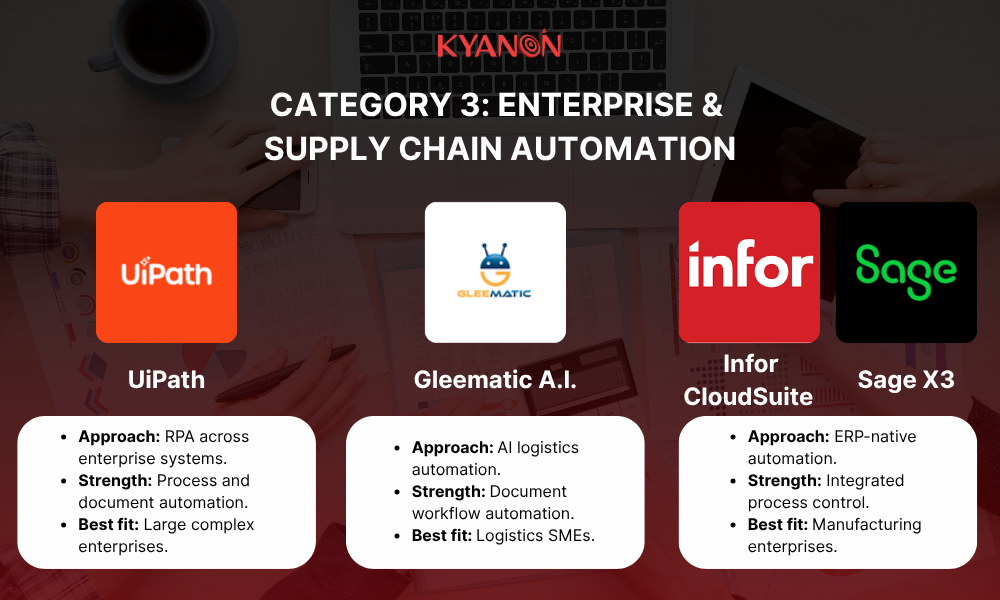
UiPath
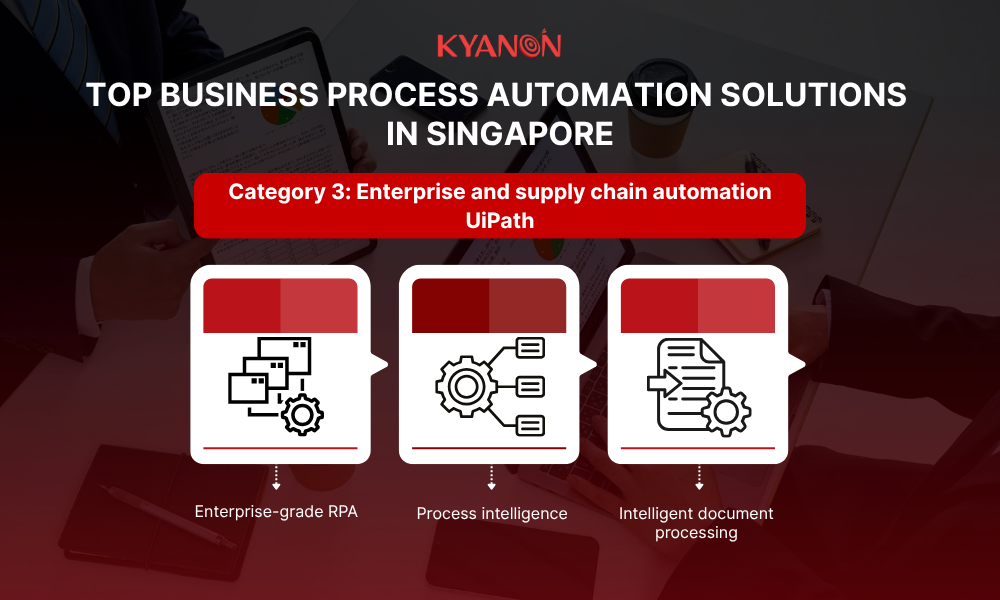
UiPath is a leading Robotic Process Automation (RPA) platform designed for enterprises modernizing complex operations across legacy and cloud environments. It automates repetitive workflows across on-premise systems, enterprise applications, and digital platforms.
Key capabilities include:
- Enterprise-grade RPA: Automates rule-based processes across legacy software, desktop applications, and modern cloud systems without major system changes.
- Process intelligence: Uses process mining to identify bottlenecks, inefficiencies, and automation opportunities.
- Intelligent document processing: Extracts and validates data from unstructured documents such as invoices, shipping documents, and customs forms to improve accuracy and compliance.
Gleematic A.I.
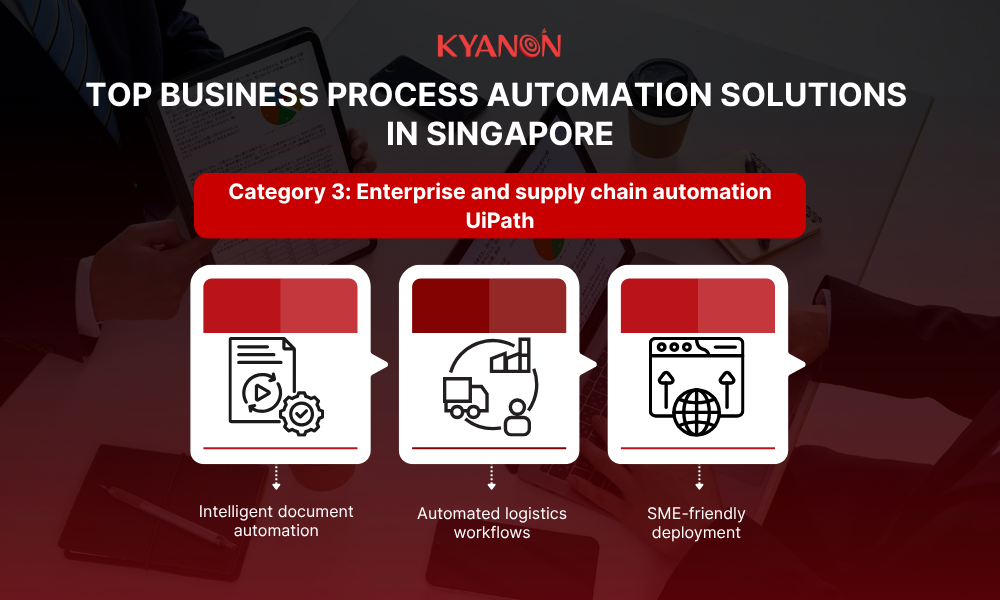
Gleematic A.I. is a Singapore-developed cognitive automation platform focused on document-heavy operations in shipping, logistics, and maritime industries. It combines AI-based document processing with workflow automation to reduce manual administrative tasks.
Key capabilities include:
- Intelligent document automation: Uses NLP and computer vision to extract data from unstructured documents such as shipping instructions and bills of lading.
- Automated logistics workflows: Enables digital workers to process information and complete port clearance submissions through web portals.
- SME-friendly deployment: Allows SMEs to rapidly automate legacy document workflows and web portals with low upfront costs, requiring no specialized IT expertise.
ERP-Embedded Automation (Infor CloudSuite & Sage X3)
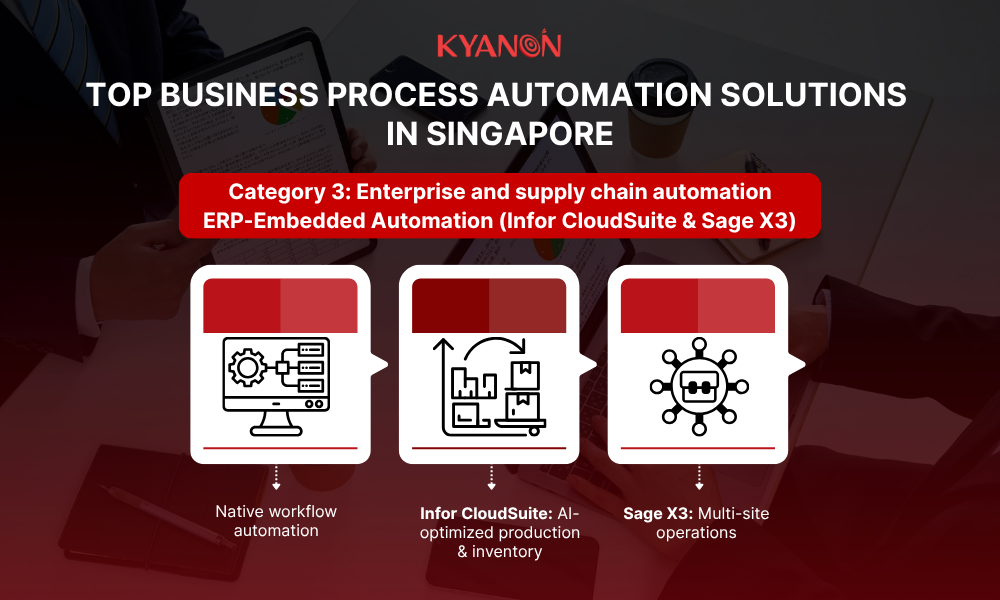
ERP-embedded automation platforms such as Infor CloudSuite and Sage X3 are designed for complex industries like manufacturing, chemicals, and global distribution, where reliability and process control are critical. By running automation directly within the ERP environment, they reduce integration complexity, data latency, and security risks.
Key capabilities include:
- Native workflow automation: Executes processes directly within the core ERP system, minimizing dependency on external integrations.
- Infor CloudSuite: Uses built-in AI and machine learning to optimize production scheduling, inventory management, and raw material purchasing.
- Sage X3: Automates multi-site operations, cross-border distribution workflows, stock transfers, and compliance documentation.
How to choose the right business process automation solution?
Selecting the right automation platform starts with an internal assessment of your specific operational bottlenecks, system architecture, and process complexity rather than comparing vendor feature lists. Following a structured evaluation framework helps organizations choose solutions that align with both current requirements and long-term digital transformation goals.
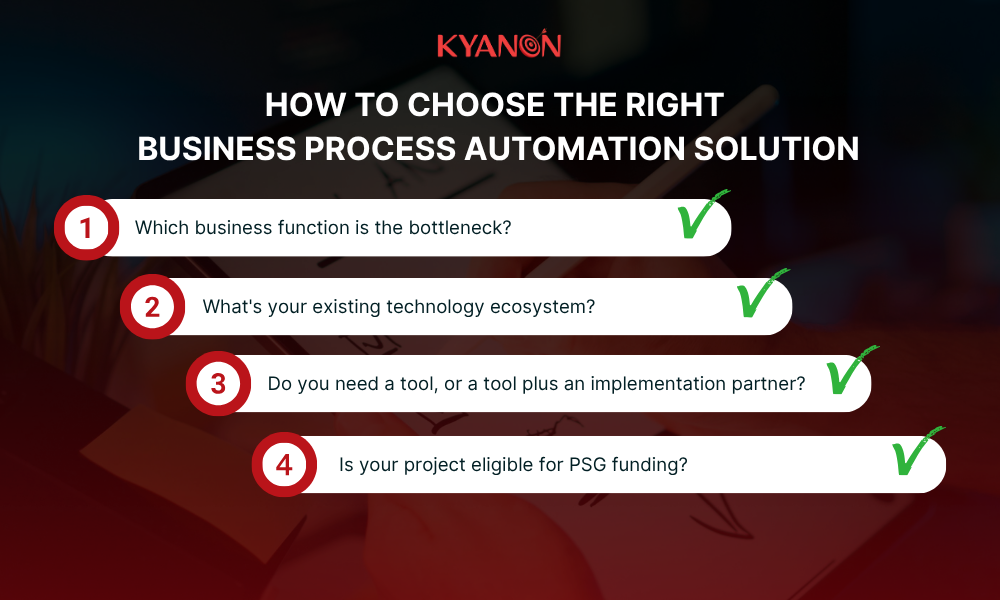
Question 1. Which business function is the bottleneck?
Start by identifying where repetitive work, delays, or manual processes have the greatest business impact. When mapping “as-is” workflows, focus on high-friction candidates that are repetitive, rules-based, high-volume, error-prone, or cross-functional.
- Finance and accounting: If accounts payable, accounts receivable, invoicing, or financial reconciliation consume significant manual effort, finance-focused platforms such as Peakflo or Xero are the most suitable starting point.
- Disconnected SaaS applications: If employees spend time transferring data between cloud applications or manually updating multiple systems, low-code/no-code visual workflow platforms such as Microsoft Power Automate, Zapier, or Make can automate these processes with minimal development effort.
- ERP, legacy systems, or supply chain operations: If automation spans manufacturing, logistics, procurement, warehouse management, or legacy enterprise systems, enterprise platforms such as UiPath, Gleematic A.I., Infor CloudSuite, or Sage X3 are generally a better fit. Look for solutions combining API-first connectors with surface-level Robotic Process Automation (RPA) to maintain stability when underlying legacy user interfaces change.
Choosing the correct technology category before evaluating individual vendors reduces implementation complexity and improves long-term ROI.
Question 2. What’s your existing technology ecosystem?
Your current technology landscape, security posture, and governance requirements should heavily influence software selection.
Organizations already operating within the Microsoft ecosystem often benefit from Power Automate because of its native integration with Microsoft 365 applications.
Businesses running enterprise ERP systems should evaluate built-in automation capabilities before adopting external tools. Solutions such as Infor CloudSuite and Sage X3 provide embedded workflows that can reduce integration effort while maintaining consistent operational data.
When evaluating vendor capabilities:
- Security & Governance: Ensure platforms provide centralized management, including role-based access control (RBAC), complete audit trails, and compliance support (such as SOC 2, GDPR, or PDPA) to maintain data privacy while enabling citizen developers.
- Intelligence & AI: Consider platforms that support Intelligent Document Processing (IDP), machine learning, or agentic AI to handle unstructured data and contextual decision-making.
Selecting software that complements existing infrastructure typically results in faster deployment, lower implementation costs, and simpler long-term maintenance.
Question 3. Do you need a tool, or a tool plus an implementation partner?
Not every automation initiative requires external implementation support. For simple departmental workflows with limited integrations, business teams can often deploy no-code automation platforms such as Zapier or Make independently with minimal technical involvement.
However, enterprise-level automation projects typically involve greater complexity, including:
- ERP and core system integration.
- Legacy application modernization.
- Multi-system workflow orchestration.
- AI-powered document processing.
- Advanced security, compliance, and governance requirements.
In these cases, an implementation partner can help organizations design the right automation architecture, integrate systems effectively, validate performance through a Proof of Concept (PoC) on a single workflow before scaling enterprise-wide, and ensure long-term maintainability.
The key consideration is not the automation software itself, but the complexity of the business process, technology environment, and operational requirements. Choosing the right level of implementation support helps reduce project risks and improves the likelihood of achieving measurable automation outcomes.
Question 4. What is the Total Cost of Ownership (TCO) and funding availability?
When evaluating software costs, look past initial subscription or licensing fees to calculate the multi-year Total Cost of Ownership (TCO). Factor in how pricing scales with transaction volumes, user seats, premium connectors, operations limits, and ongoing maintenance or debugging.
Additionally, for eligible Singapore SMEs, the Productivity Solutions Grant (PSG) can reduce implementation costs for approved digital solutions.
Rather than treating funding as an afterthought, organizations should confirm grant eligibility early during software evaluation. This ensures financial considerations are incorporated into the overall business case alongside technical fit, operational impact, and implementation requirements.
Final decision checklist: Match the tool to the bottleneck
Before making a final investment decision, verify that the selected solution aligns with both your operational priorities and long-term technology strategy.
Decision area | What to verify |
| Business priority | Are you solving the highest-impact operational bottleneck, and have you optimized the “as-is” process first? |
Platform fit | Does the solution match your existing systems, integration requirements, and security/governance standards (RBAC, audit trails)? |
| Implementation approach | Can your internal team deploy it safely, or do you need an implementation partner for a phased rollout/PoC? |
Budget & TCO | Have you confirmed multi-year TCO (scaling/volume costs), implementation expenses, and PSG eligibility? |
| Future scalability | Can the platform support additional users, workflows, and AI/IDP capabilities as your business grows? |
The role of an implementation partner in enterprise automation
Enterprise automation projects often extend beyond deploying software. As organizations connect ERP systems, legacy applications, AI services, and operational databases, success depends on integration quality, governance, and long-term maintainability.
While many no-code workflows can be implemented internally, larger initiatives involving enterprise systems, AI document processing, or cross-functional orchestration typically benefit from experienced implementation support. A qualified partner helps design scalable architectures, integrate existing systems, establish security and governance controls, and optimize workflows as business requirements evolve.
For enterprises, implementation expertise reduces deployment risks, shortens time to value, and helps ensure automation continues to scale as operations grow.
As an enterprise technology partner, Kyanon Digital integrates AI and automation into existing systems without disrupting core operations. Leveraging composable architecture, modular integrations, and enterprise-grade governance, we modernize legacy environments, improve data interoperability, and deliver scalable automation solutions for future growth.
Explore Kyanon Digital’s AI Integration services to learn how we help enterprises embed AI into existing systems and business workflows.
What are the key business process automation trends in Singapore?
As businesses in Singapore accelerate digital transformation, business process automation is evolving beyond repetitive task execution. AI, low-code platforms, and integrated workflows are changing how organizations manage operations, make decisions, and scale automation.
The focus is shifting from automating individual tasks to building connected, secure, and adaptable workflows that deliver measurable business value.
Key trends in business process automation
Trend | What is changing | Business opportunity |
| AI-powered automation | AI helps automate workflows that involve unstructured data, contextual decisions, and multiple steps. | Streamline complex processes while keeping human oversight where needed. |
Integrated workflows | Automation connects systems, data, and departments instead of operating through isolated tools. | Reduce manual handoffs, duplicated work, and data silos. |
| Embedded AI governance | Security, privacy, accountability, and human oversight are becoming essential to automation design. | Manage operational risks while scaling AI-enabled workflows. |
Low-code and no-code automation | Visual tools and natural-language interfaces make workflow creation more accessible to business teams. | Accelerate implementation while maintaining IT oversight and access controls. |
| More accessible automation for SMEs | Cloud platforms and modular solutions help businesses adopt automation without building every component from scratch. | Start with high-impact processes and expand as business needs evolve. |
Human-AI collaboration | Employees increasingly oversee automated workflows, handle exceptions, and validate important decisions. | Improve productivity while retaining human judgment and accountability. |
How Kyanon Digital streamlines retail operations through business process automation in Singapore?
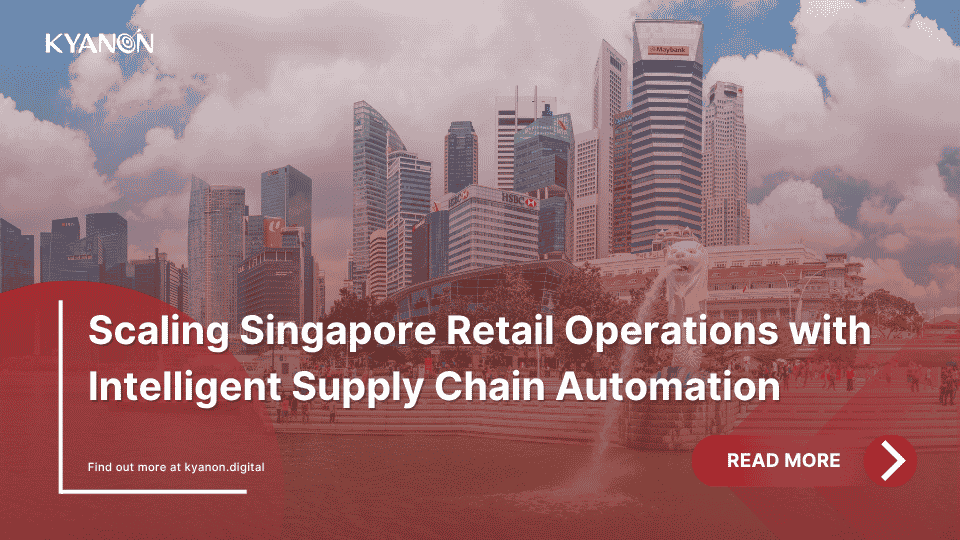
Case study: Kyanon Digital scales retail operations through supply chain automation
This project demonstrates how intelligent supply chain automation helps retailers eliminate manual finance processes, improve inventory accuracy, and gain real-time visibility across omnichannel operations.
Kyanon Digital partnered with a leading Singapore-based retail enterprise to automate supplier document processing, financial reconciliation, and inventory synchronization while integrating with existing SAP and ERP systems.
The challenge:
The retailer struggled with manual invoice processing, fragmented inventory data, slow financial reconciliation, and limited visibility across retail, eCommerce, and wholesale operations.
The solution:
Kyanon Digital implemented an intelligent supply chain platform featuring:
- AI-powered document processing: Automated extraction of supplier invoices and delivery documents with direct SAP integration.
- Automated reconciliation: AI matched invoices, goods receipts, and ERP records while routing exceptions for review.
- Real-time inventory sync: Connected SAP, POS, and omnichannel systems to maintain accurate stock across all channels.
- Scalable integration framework: Standardized ERP connectors with audit-ready governance for supplier onboarding.
The impact:
- Higher efficiency: Reduced manual data entry by 90% and cut invoice processing from days to under 30 minutes.
- Better inventory accuracy: Reduced omnichannel inventory discrepancies by over 80%.
- Scalable operations: Automated finance and supply chain workflows supported business growth without adding headcount.
This is the pattern behind measurable automation ROI: value comes from connecting end-to-end workflows invoice processing, reconciliation, inventory sync not from automating isolated tasks in silos.
Read more: Scaling Singapore Retail Operations with Intelligent Supply Chain Automation.
Why choose Kyanon Digital for business process automation in Singapore?
Expertise Trusted by Fortune 500 Clients
With a presence in Singapore and extensive experience supporting regional and global businesses, Kyanon Digital helps Singapore enterprises build, modernize, and scale software solutions across their digital ecosystems. Our experience spans complex software engineering and digital transformation projects for enterprises, Fortune 500 companies, and organizations across APAC.
A World-Class IT Team
Our 500+ consultants and engineers bring expertise across software engineering, technical architecture, project management, QA, DevOps, cloud, data, and AI/ML. With delivery capabilities across Vietnam, Singapore, Thailand, Australia, and MalaysiaAPAC region, we combine local business understanding with scalable engineering resources to support Singapore-based clients.
Enterprise-grade quality & delivery
Our ISO 9001-certified quality management system supports consistent delivery, structured engineering processes, and continuous improvement. We apply Agile methodologies and quality assurance practices throughout the software development lifecycle, from planning and architecture to development, testing, deployment, and ongoing optimization.
Uncompromising Security
With ISO 27001-certified information security management, Kyanon Digital integrates security considerations throughout the software development lifecycle. This helps Singapore businesses manage data protection, access control, application security, and operational risks while developing and modernizing enterprise software.
In conclusion
Choosing the right business process automation software in Singapore depends on your operational priorities, existing technology ecosystem, and long-term scalability requirements. The right solution should address key bottlenecks, integrate with existing systems, maintain security and governance, and deliver measurable business outcomes.
As Singapore enterprises continue to automate finance, workflows, and supply chain operations, a structured approach to process optimization, software selection, and implementation can help reduce manual work while preventing unnecessary complexity. Working with an experienced implementation partner can also help ensure automation scales with evolving business needs.
If you are evaluating business process automation for your enterprise, discuss your requirements with Kyanon Digital to explore the right integration approach, automation capabilities, and delivery model for your business.
References
Scaling Singapore Retail Operations with Intelligent Supply Chain Automation — Kyanon Digital, 2026.
Gartner Forecasts Supply Chain Management Software with Agentic AI Will Grow to $53 Billion in Spend by 2030 — Gartner, 2026.
Enterprise Resource Planning to Optimize Operations — Gartner, 2026.
Agentic AI and the Race to a Touchless Revenue Cycle — McKinsey & Company, 2026.
Building AI-Ready Enterprises — Infocomm Media Development Authority, 2026.


 Create project brief with AI